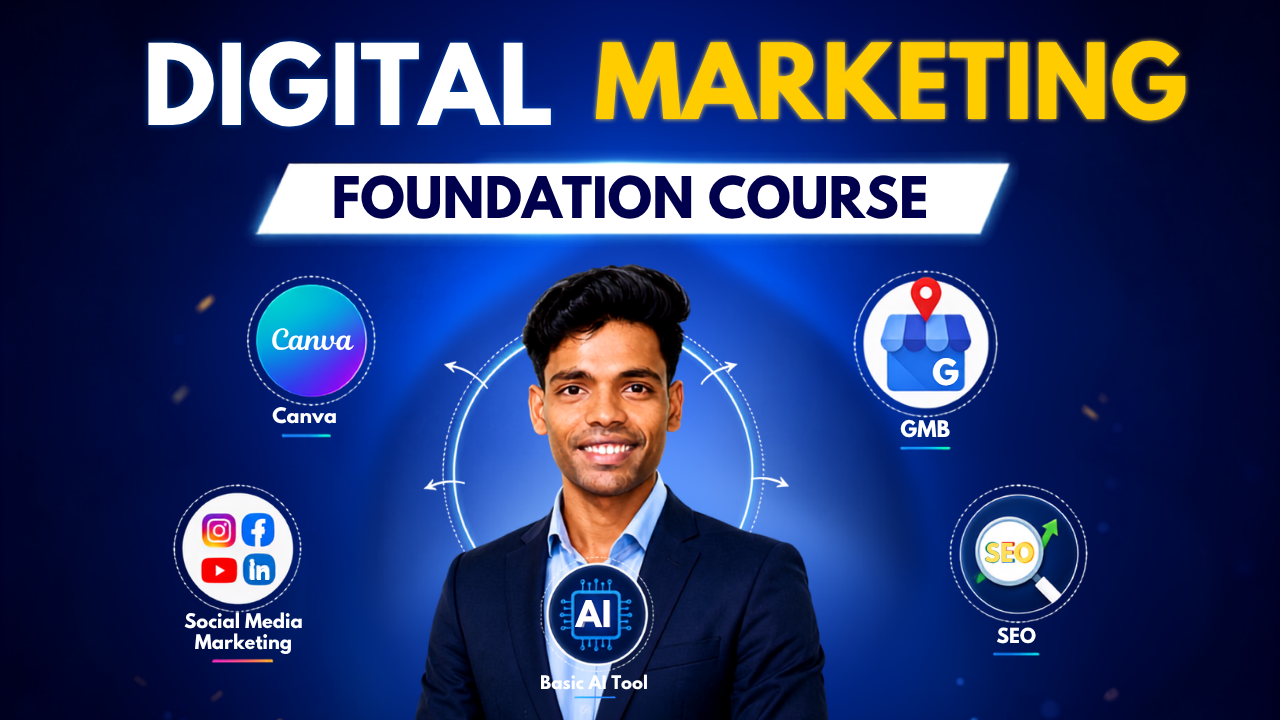
Digital Marketing Foundation Course | Start Your Digital Marketing Journey

About Course
अगर आप Digital Marketing में बिल्कुल नए हैं और आपको समझ नहीं आ रहा कि SEO, Social Media, Canva, Google Business Profile और AI Tools में सबसे पहले क्या सीखें — तो यह Foundation Course आपके लिए बनाया गया है।
इस course में आपको Digital Marketing की essential skills को step-by-step और practical तरीके से सिखाया जाएगा, ताकि आप बिना किसी previous experience के अपनी Digital Marketing journey शुरू कर सकें।
🎯 इस Course में आप क्या सीखेंगे?
✅ Canva – Professional Social Media Creatives बनाना
✅ Social Media Marketing – Facebook & Instagram पर Organic Marketing
✅ Google Business Profile (GMB) – Business को Google & Maps पर Optimize करना
✅ SEO Basics – SEO, Keywords और Basic Website Optimization
✅ Basic AI Tools – Content, Ideas और Marketing में AI का इस्तेमाल
✅ Organic Marketing – बिना Paid Ads के Online Presence Grow करना
💡 यह Course क्यों करें?
Digital Marketing में शुरुआत करते समय सबसे बड़ी problem होती है — कहाँ से शुरू करें?
इस course में हम आपको unnecessary complexity में नहीं ले जाएंगे।
आप पहले Digital Marketing की Foundation समझेंगे, फिर Canva, Social Media, GMB, SEO और AI जैसे important skills को practically सीखेंगे।
🚀 Course पूरा करने के बाद आप:
✔️ Social Media के लिए professional creatives बना पाएंगे
✔️ Facebook & Instagram पर Organic Marketing कर पाएंगे
✔️ Google Business Profile को optimize कर पाएंगे
✔️ SEO की basic understanding develop कर पाएंगे
✔️ Keywords और basic SEO techniques समझ पाएंगे
✔️ AI Tools का इस्तेमाल करके अपना marketing work आसान कर पाएंगे
✔️ अपनी Digital Marketing journey को अगले level पर ले जाने के लिए ready होंगे
🔥 Start From Zero. Learn the Essentials. Build Your Foundation.
आपकी Digital Marketing Journey यहीं से शुरू होती है।
👉 Enroll Now & Start Learning
What Will You Learn?
- Digital Marketing Fundamentals
- Canva for Marketing
- Social Media Marketing
- Facebook & Instagram Organic Marketing
- Google Business Profile
- Local SEO Basics
- SEO Fundamentals
- Keyword Research Basics
- Content Marketing Basics
- AI Tools for Digital Marketing
- Organic Growth Strategy
- Practical Digital Marketing Skills
Course Content
Module 1: Digital Marketing Fundamentals
-
Lesson 1 – Who is Deepak Bhamre (Digital Marketing Coach)
03:57 -
Lesson 2 – What is Digital Marketing
-
Lesson 3 – Market Research & Audience Analysis
-
Lesson 4 – Branding Strategy & Personal Branding
Module 2: Canva for Digital Marketing
-
Lesson 1 – What is Canva & Why Learn Canva
04:23 -
Lesson 2 – My Real Client Canva Projects
10:10 -
Lesson 3 – What is Canva Dashboard Overview
21:09 -
Lesson 4 – Custom Panel Overview
20:56 -
Lesson 5 – Text Editing Tools Bar
53:43 -
Lesson 6 – Image Editing Tool Bar
22:47 -
Lesson 7 – How to Create Social Media Post Design
29:15 -
Lesson 8 – How to Make a Professional LOGO
10:47 -
Lesson 9 – How to Make Social Media Post with AI
13:36 -
Lesson 10 – Client के लिए Design कैसे बनाये ?
19:26 -
Lesson 11 – Professional Thumbnail कैसे बनाये ?
16:59 -
Lesson 12 – How to Make Visiting Card (Business Card)
06:58 -
Lesson 13 – How to Make Professional Resume/CV
02:26 -
Lesson 14 – How to Make Professional Presentation/PPT
03:41 -
Lesson 15 – How to Make Work Portfolio Website
06:22 -
Lesson 16 – Canva AI से Logo & Website कैसे बनाये ?
33:20 -
Lesson 17 – Canva से Video Editing कैसे करे ?
24:33 -
Lesson 18 – Wedding Invitation Video कैसे बनाये ?
06:58 -
Lesson 19 – How to Start Freelancing
26:28 -
Lesson 20 – Design के लिए Size कैसे पता करे ?
04:15
Module 3: Google My Business (GMB)
-
Lesson 1 – Table of Content
01:43 -
Lesson 2 – What is GMB, Benefits & Basic Requirements
05:51 -
Lesson 3 – GMB Checklist
03:49 -
Lesson 4 – GMB PROFILE CREATION (Local Listing)
15:58 -
Lesson 5 – Profile Optimization (Edit Profile)
14:21 -
Lesson 6 – Review Strategy
26:59 -
Lesson 7 – Photo Optimization with SEO
04:48 -
Lesson 8 – Post Optimization with SEO
33:47 -
Lesson 9 – Performance Tracking
05:51 -
Lesson 10 – Products (Create, Edit, Setup & SEO)
06:11 -
Lesson 11 – Services (Create, Edit, Setup & SEO)
04:08 -
Lesson 12 – Advertisement (Lead Generation)
13:47 -
Lesson 13 – Booking Setup (Appointment)
02:59 -
Lesson 14 – How to Give GMB Profile Access
02:23 -
Lesson 15 – Phone Number Verification | Phone Number Not Showing Issue Fix 100%
10:51 -
Lesson 16 – Competitor Analysis by GMB Everywhere
04:43 -
Lesson 17 – Schema Markup with Tag Manager
12:53
Module 4: Social Media Marketing
-
Lesson 1 – What is Social Media Marketing
-
Lesson 2 – How Work Social Media
-
Lesson 3 – How to Create Content Calendar
Module 5: Instagram Marketing
-
Lesson 1 – What is Instagram Marketing
-
Lesson 2 – How to Create Profession Instagram Account
-
Lesson 3 – Instagram Name, BIO and Highlight Setup
-
Lesson 4 – Profile Optimization
-
Lesson 5 – Instagram Settings Part 1
-
Lesson 6 – Instagram Settings Part 2
-
Lesson 7 – How to Upload Story, Post and Reels
-
Lesson 8 – Instagram Algorithem
-
Lesson 9 – How to Earn Money on Instagram
Module 6: Facebook Marketing
-
Lesson 1 – What is Facebook Marketing
-
Lesson 2 – Facebook Profile Setup
-
Lesson 3 – How to Create Facebook Page
-
Lesson 4 – How to Setup Meta Business Suite (Business Manager)
-
Lesson 5 – How to Upload Story, Post and Reels on Facebook
-
Lesson 6 – How to Shedule Post on Facebook & Instagram
Module 7: Pinterest Marketing
-
Lesson 1 – What is Pinterest Marketing
-
Lesson 2 – How to Create an Account on Pinterest
-
Lesson 3 – How to upload Post on Pinterst
-
Lesson 4 – How to Earn Money (Affiliate Marketing)
Module 8: WhatsApp Marketing
-
Lesson 1 – What is WhatsApp Marketing
-
Lesson 2 – Profile Optimization
-
Lesson 3 – How to Create Catelogue
-
Lesson 4 – WhatsApp Settings (Privacy Policy)
-
Lesson 5 – WhatsApp AI & Automation
Module 9: Linkedin Marketing
-
Lesson 1 – What is Linkedin Marketing
-
Lesson 2 – How to Create an Account on LInkedin
-
Lesson 3 – How to Upload a Post & Reels on Linkedin
-
Lesson 4 – How to Create Company Page on LInkedin
-
Lesson 5 – How to Find Client on Linkedin
Module 10: YouTube Marketing
-
Lesson 1 – What is YouTube Marketing
-
Lesson 2 – How to Create YouTube Channel
-
Lesson 3 – How to Find Your Niches
-
Lesson 4 – How to Find Your Vidoes
-
Lesson 5 – How to Write Viral Script
-
Lesson 6 – Voiceover कैसे करे?
-
Lesson 7 – Video Editing for YouTube Videos
-
Lesson 8 – How to Make YouTube Thumbnail
-
Lesson 9 – How to Upload Videos with Title, Description & Tags
-
Lesson 10 – YouTube Studio Analysis
Module 11: SEO Fundamentals
-
SEO Notes & PDF
-
Lesson 1: What is SEO
12:02 -
Lesson 2: Types of SEO
10:56 -
Lesson 3 – Top 3 SEO Tools for Beginners
31:18 -
Lesson 4 – Keyword Research Part 1
44:03 -
Lesson 5 – Keyword Research Part 2
44:08 -
Lesson 6 – Keyword Research Part 3
34:50 -
Lesson 7 – Types of SEO Technics
10:08 -
Lesson 8 – On Page SEO
01:09:40 -
Lesson 9 – What is Technical SEO
01:53 -
Lesson 10 – Website की Page Speed कैसे बढ़ाये ?
18:20 -
Lesson 11 – Website को Mobile Friendly कैसे बनाये ?
12:16 -
Lesson 12 – AI Content ko Human Content कैसे बनाये ?
48:59 -
Lesson 13 – How to Secure Your Website Content
03:34 -
Lesson 14 – What is robots.txt
15:52 -
Lesson 15 – What is XML or HTML Sitemap
24:30 -
Lesson 16 – What is 404 Error Page
12:23 -
Lesson 17 – What is Canonical Tag
09:56 -
Lesson 18 – What is 301/302 Redirect
25:20 -
Lesson 19 – Schema Markup
16:23 -
Lesson 20 – What is OFF PAGE SEO
01:06:40 -
Lesson 21 – OFF PAGE SEO PART 1 (Backlink)
37:53 -
Lesson 22 – OFF PAGE SEO PART 2
35:25 -
Lesson 23 – OFF PAGE SEO PART 3
17:12 -
Lesson 24 – OFF PAGE SEO PART 4
25:32 -
Lesson 25 – OFF PAGE SEO PART 5
47:08 -
Lesson 26 – OFF PAGE SEO PART 6
21:18 -
Lesson 27 – OFF PAGE SEO PART 7
25:55 -
Lesson 28 – OFF PAGE SEO PART 8
29:28 -
Lesson 29 – OFF PAGE SEO PART 9
49:00 -
Lesson 30 – OFF PAGE SEO PART 10
35:48 -
Lesson 31 – OFF PAGE SEO PART 11
25:03 -
Lesson 32 – Google Search Console
01:22:52 -
Lesson 33 – Google Analytics 4 (GA4)
01:11:39 -
Lesson 34 – Microsoft Clarity
32:54 -
Lesson 35 – SEO Audit Report
53:48